Shortcut
Shortcut is a utility that simplifies the process of creating a shortcut to a document in MAGIQ Documents. The Shortcut utility can create shortcuts for multiple documents at the same time and updates the shortcut description with the description of the document.
Starting Shortcut
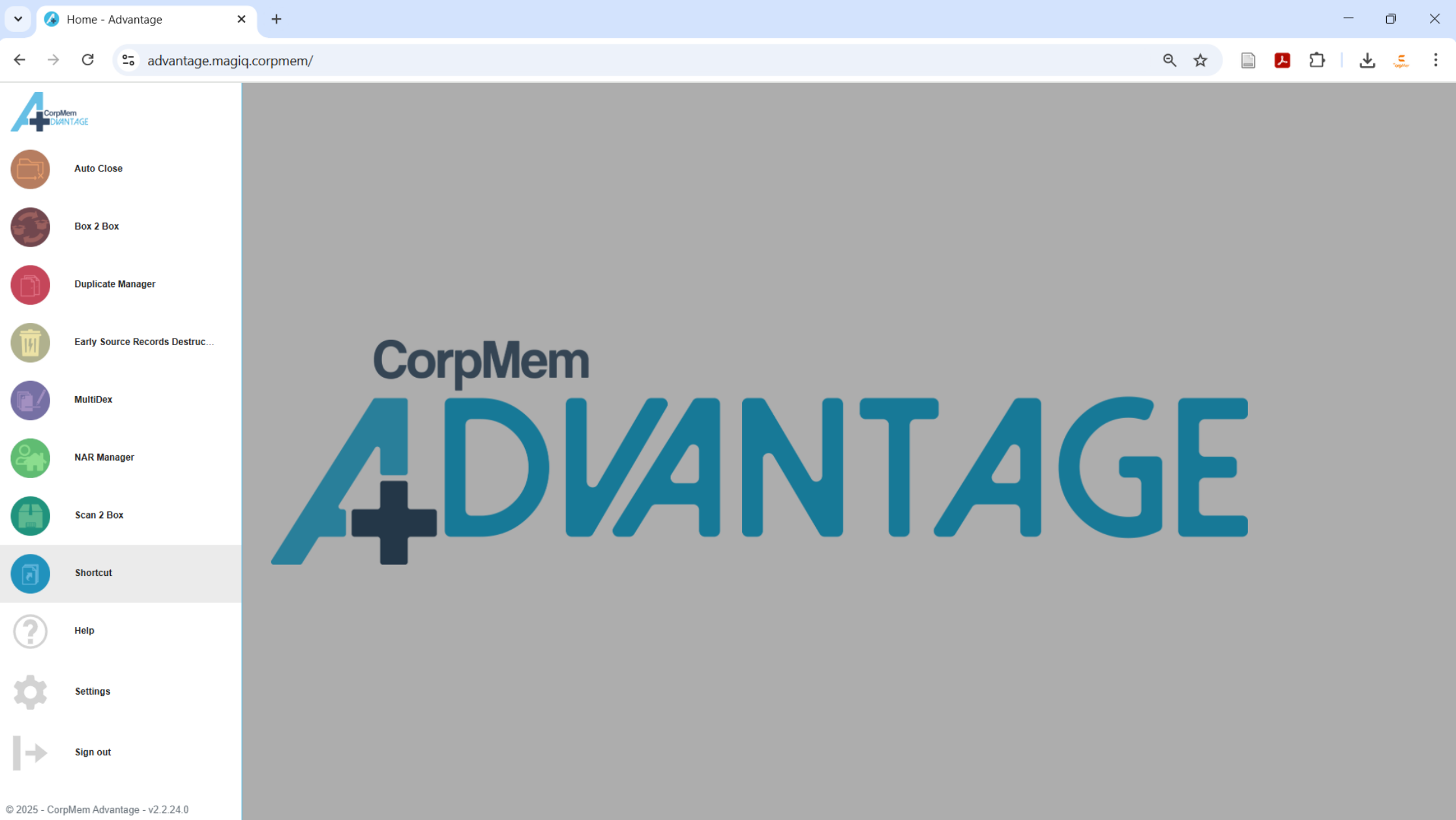
Load the utility by selecting Shortcut from the CorpMem Advantage menu.
Queuing Documents to shortcut
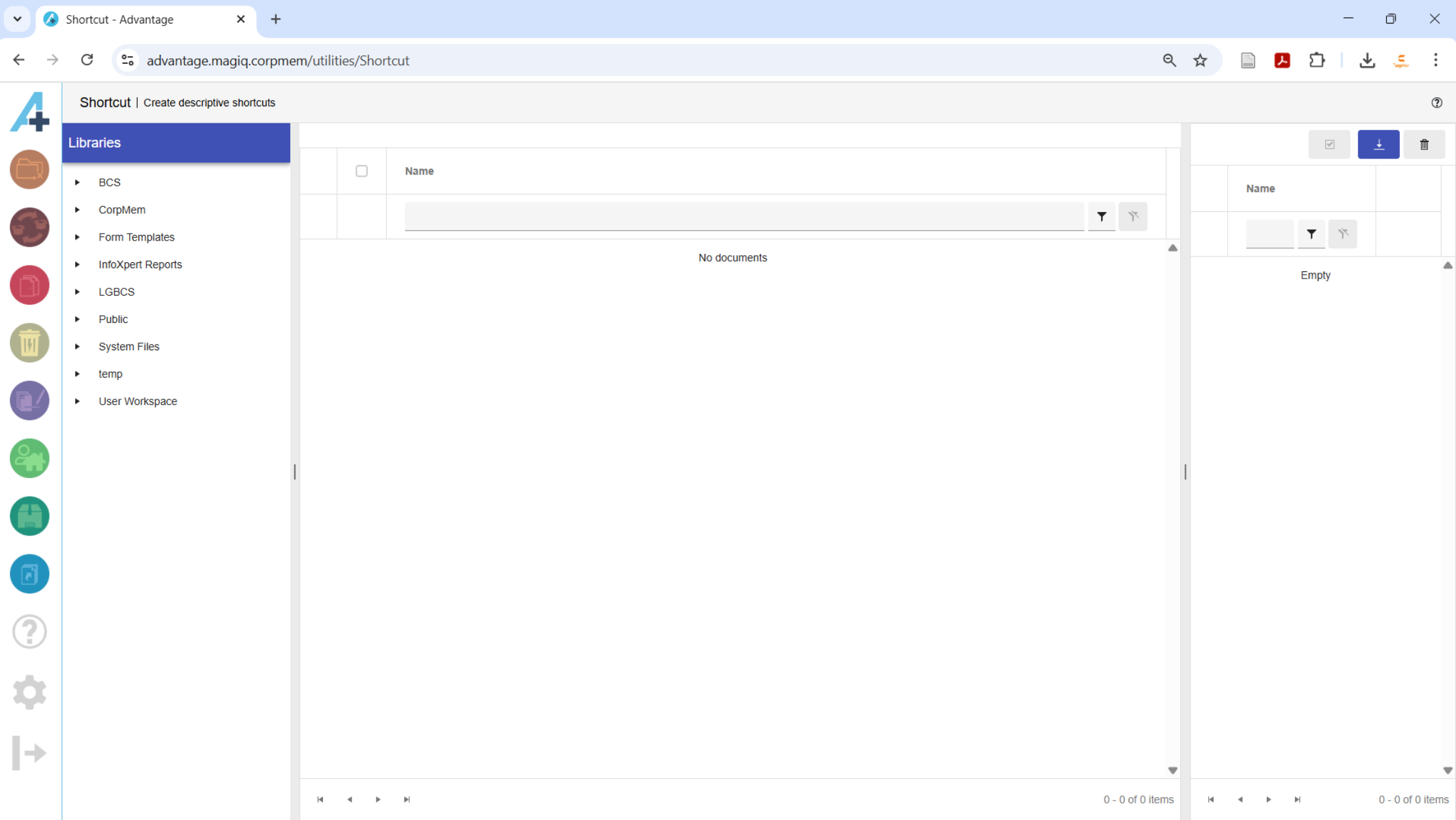
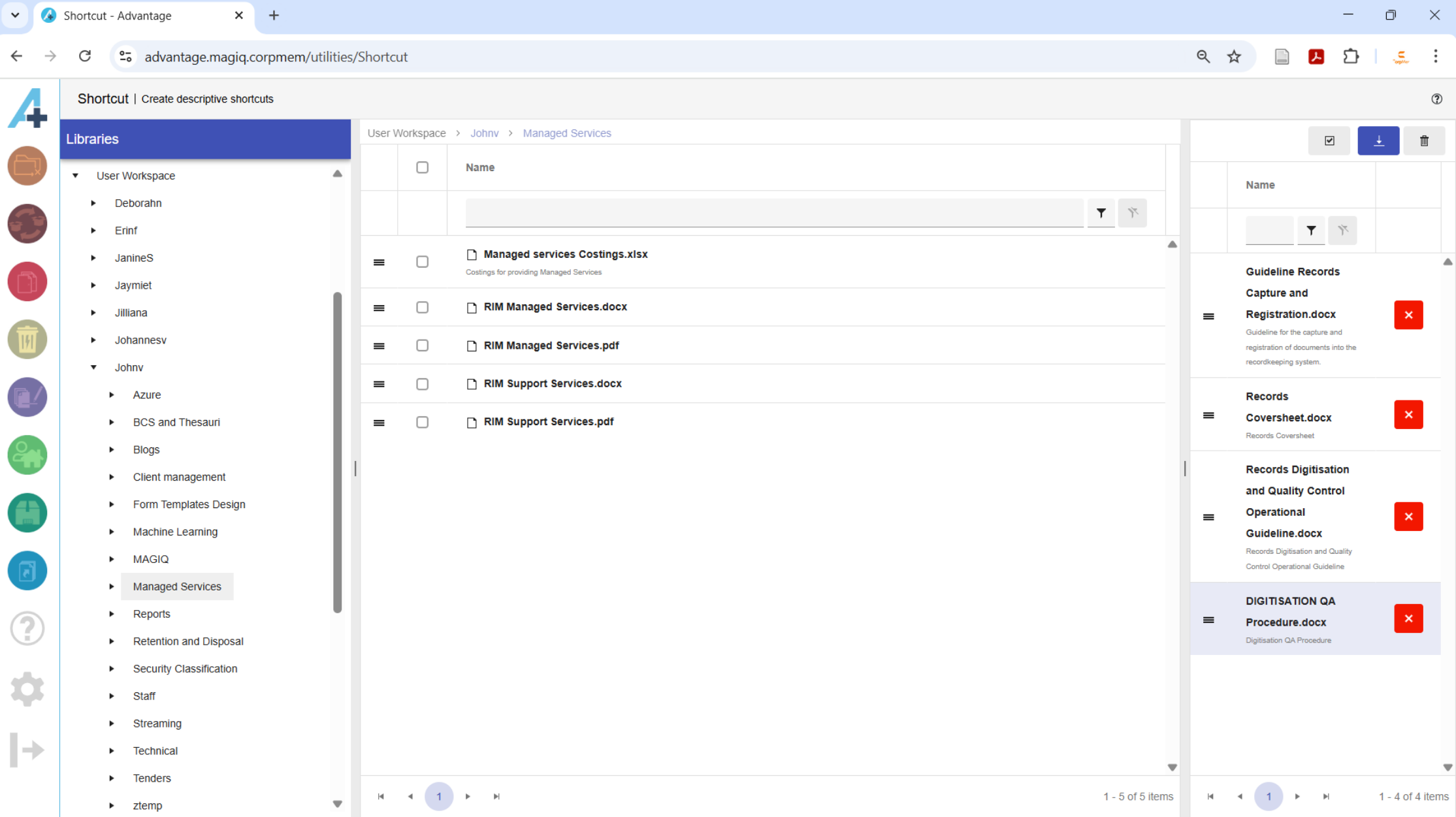
The tree structure in the Libraries panel can be used to navigate to the documents that requires shortcuts to be created for them.
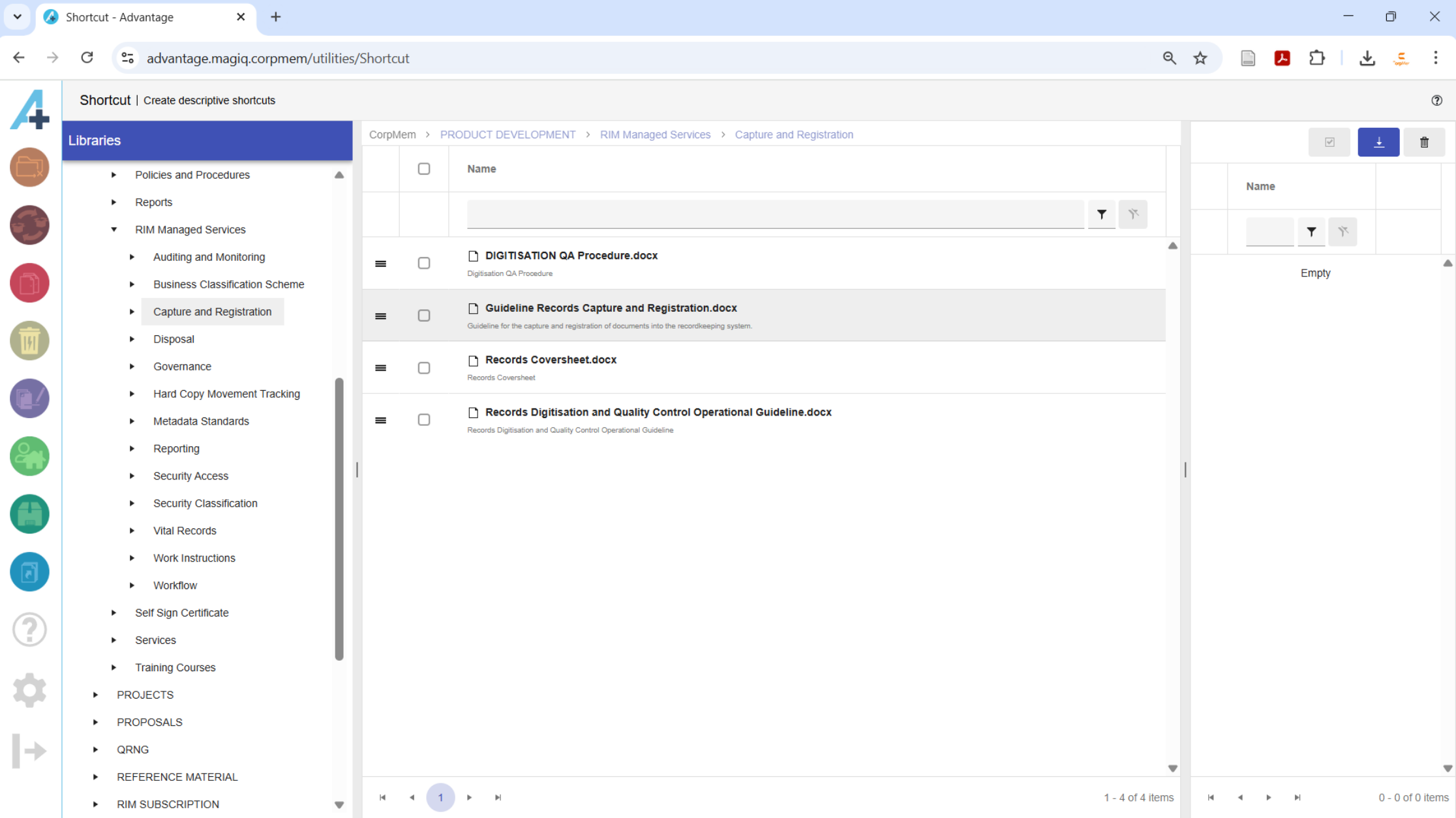
The handle to the left of a document can be used to drag the document from the Folder contents panel in the middle to the Document queue panel on the right.
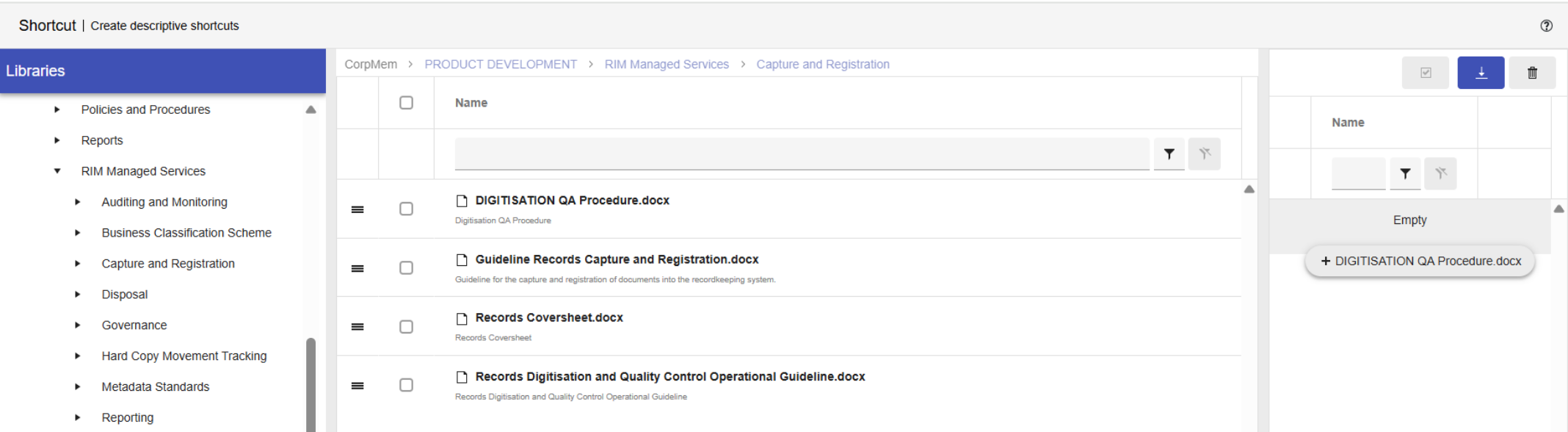
When a plus sign appears on the left of the dragged document, it can be released into the queue.
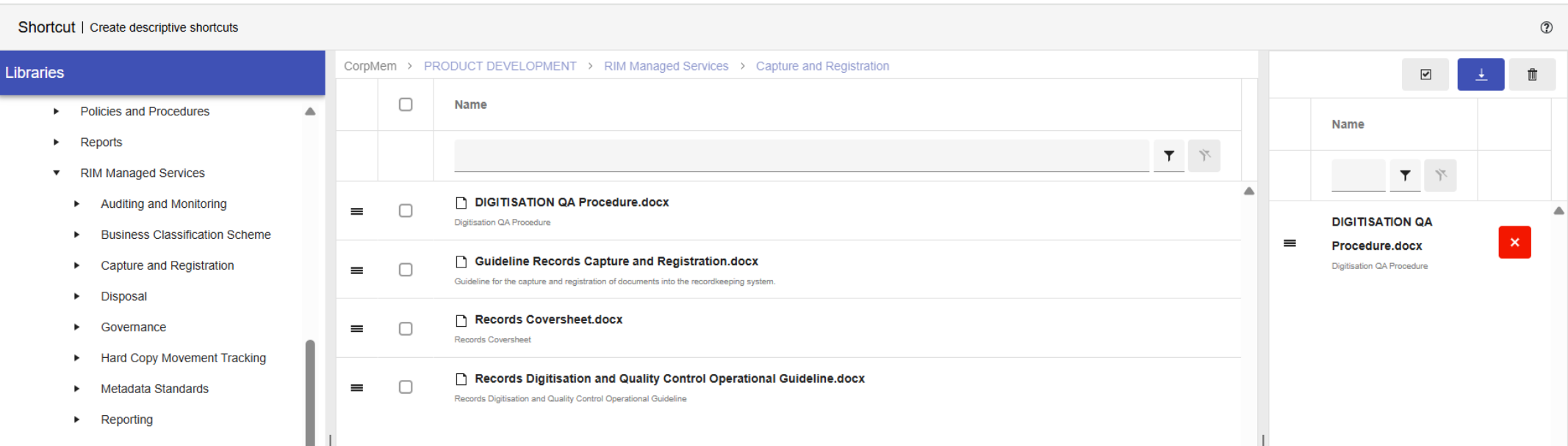
Checking the boxes of multiple documents allow multiple documents to be dragged to the Document queue panel.
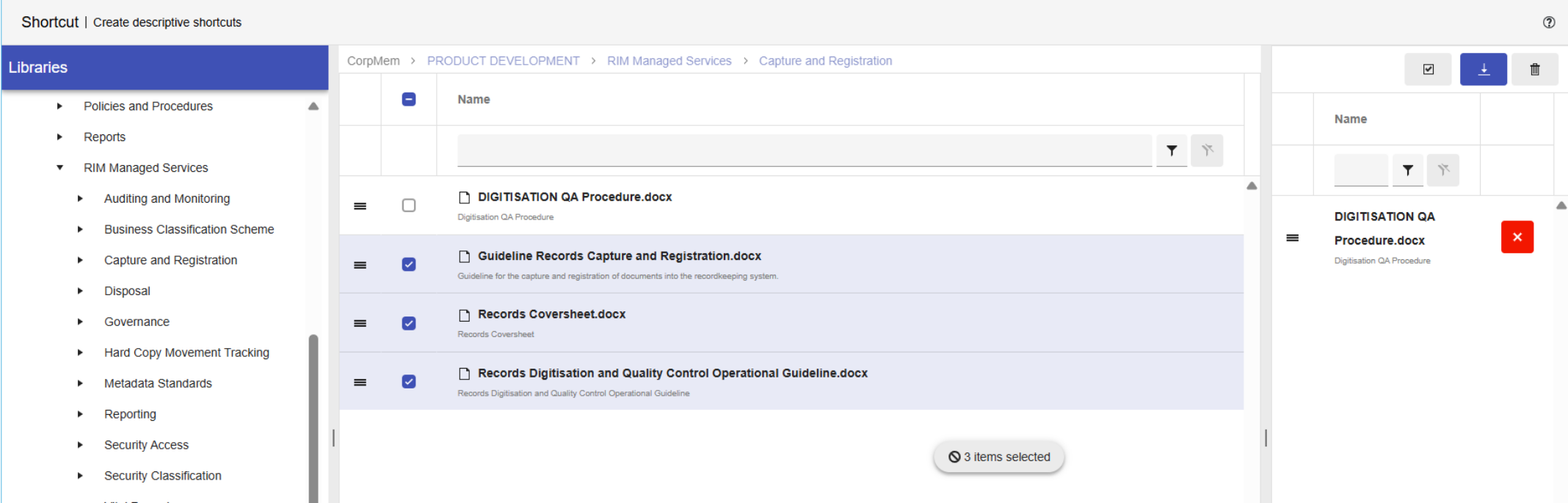
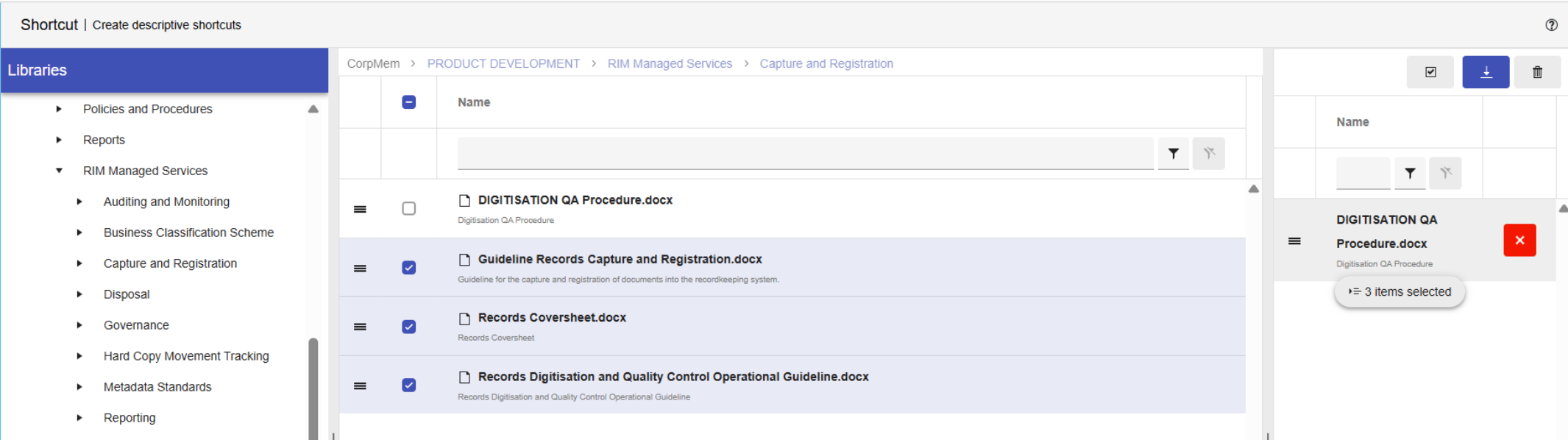
When a plus sign appears on the left of the dragged documents, they can be released into the queue.
All of the documents in the Document queue panel can have shortcuts created for them.
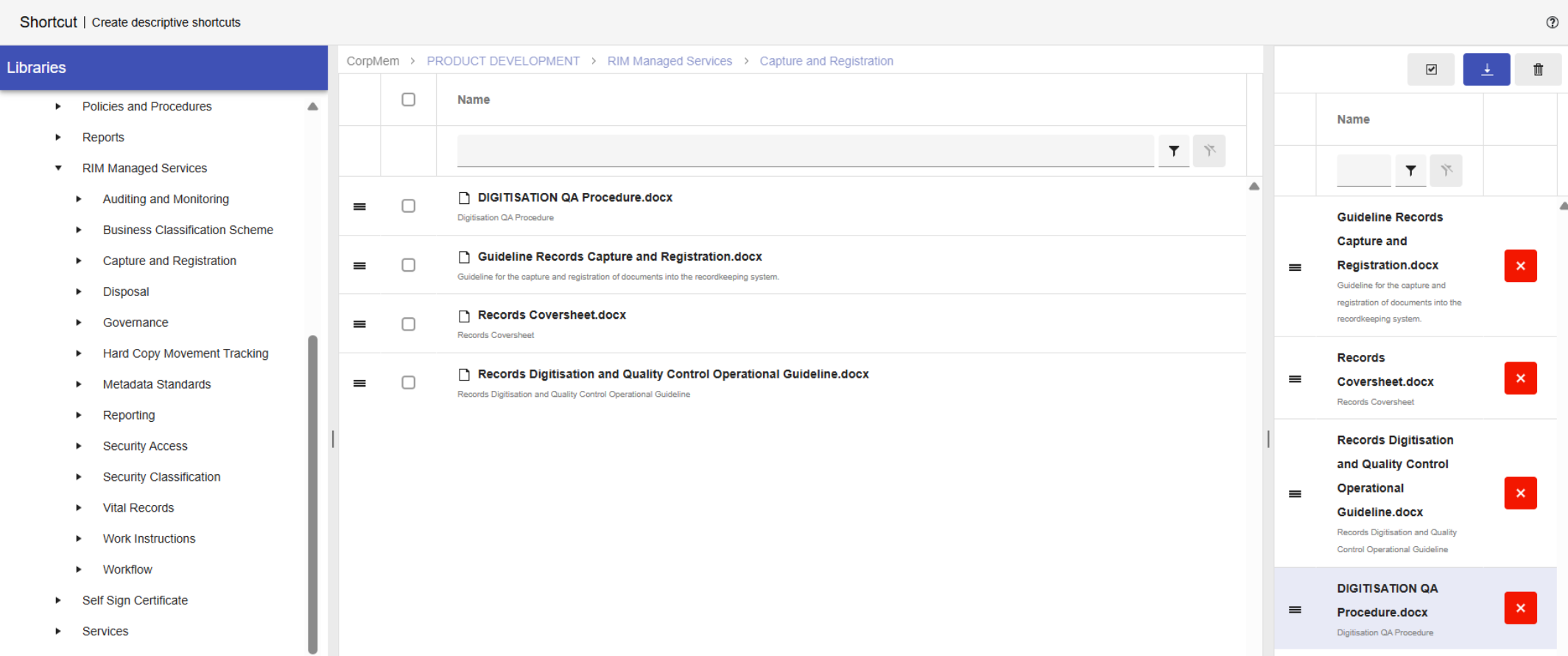
Alternatively, the Document queue panel can be populated with everything that is currently sitting in the infoRouter download queue by clicking the  button.
Create shortcuts
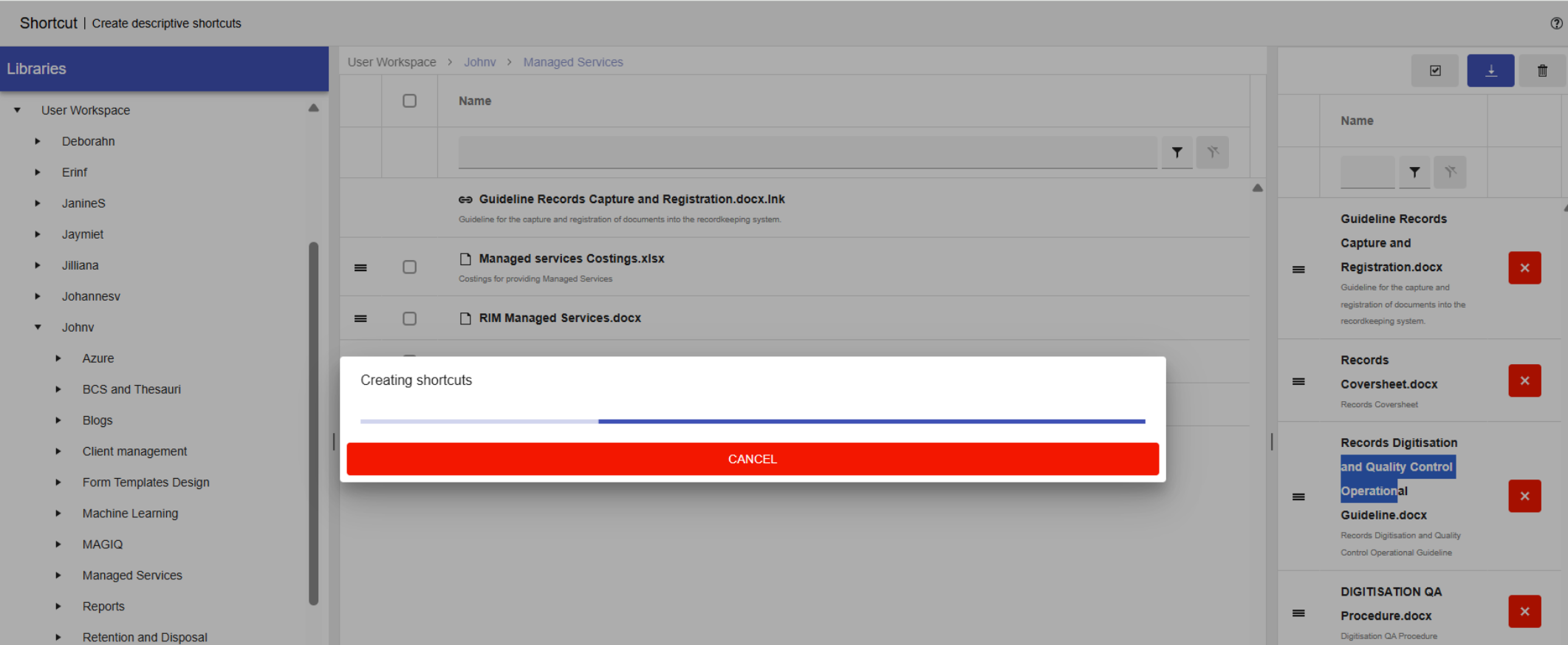
Navigate to the target folder where the shortcuts are to be created. The documents in the selected folder are displayed in the Folder contents panel.
Selecting the handle on the left of any document in the Document queue panel and dragging it into the Folder contents panel will create a shortcut in the Folder contents panel that points to the document.
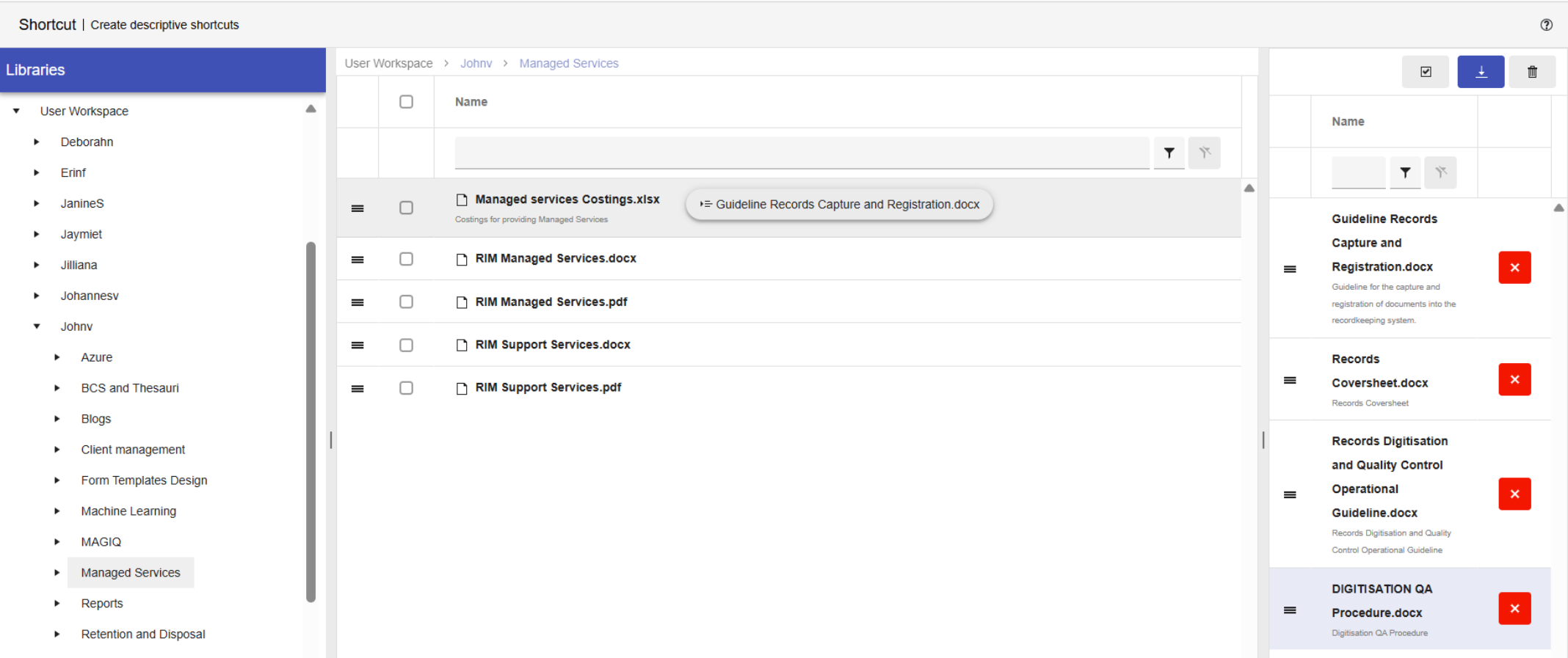
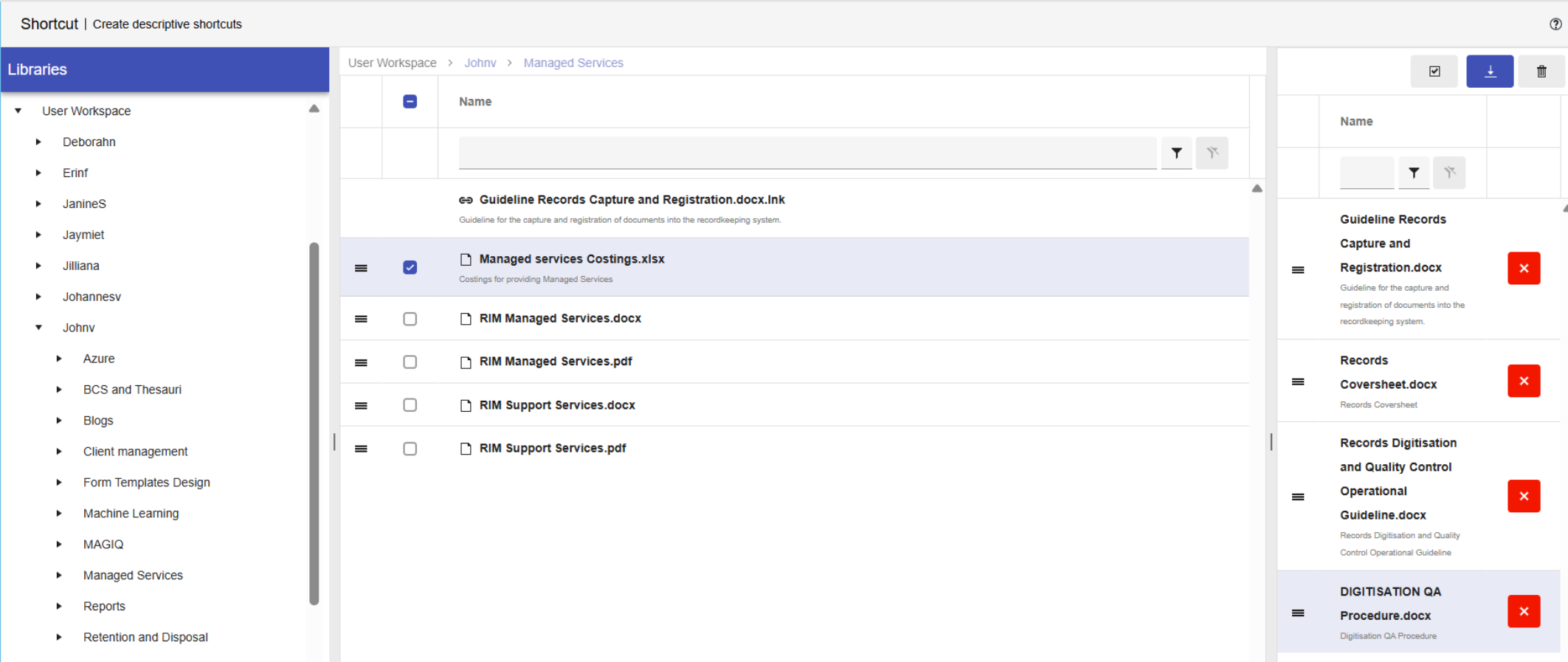
The shortcut appears in the Folder contents panel with a  icon preceding the document name.
Clicking the  button toggles between selecting and unselecting all documents in the Document queue panel.
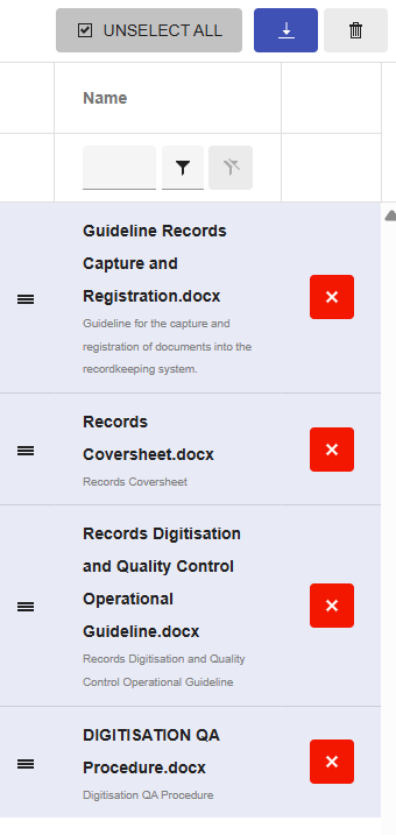
All highlighted documents can be dragged into the Document queue panel at the same time resulting in resulting in multiple Shortcuts being created.
Clicking the  button clears all documents from the Document queue panel.
