Early Source Record Destruction
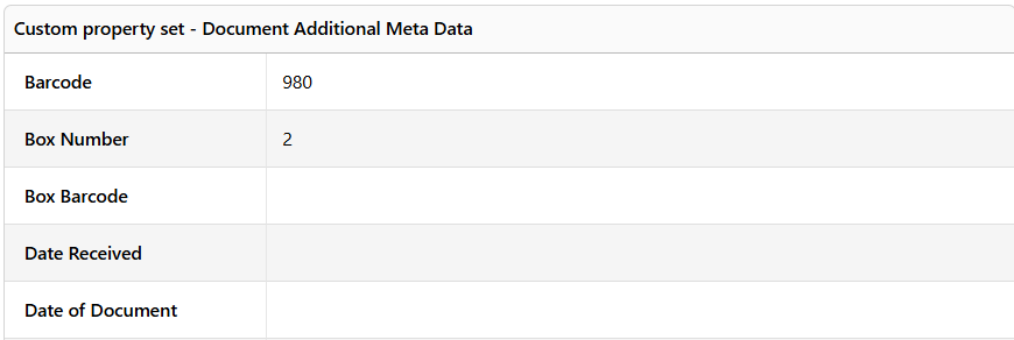
Early Disposal is the practice of destroying original paper records after digitisation and before the authorised retention period for that class of record has expired. The Early Source Record Destruction (ESRD) utility is used with the ESRD Process developed by CorpMem Business Solutions. The purpose of the utility is to remove the Barcode field and Box Number field values from the Document Additional Meta Data Custom Property Sets that are added to documents that have their hard copies stored in a container specified in the Custom Property Set’s Box Number field. In effect, the removal of this data makes the digitised copy of the record the source record.
Starting Early Source Record Destruction
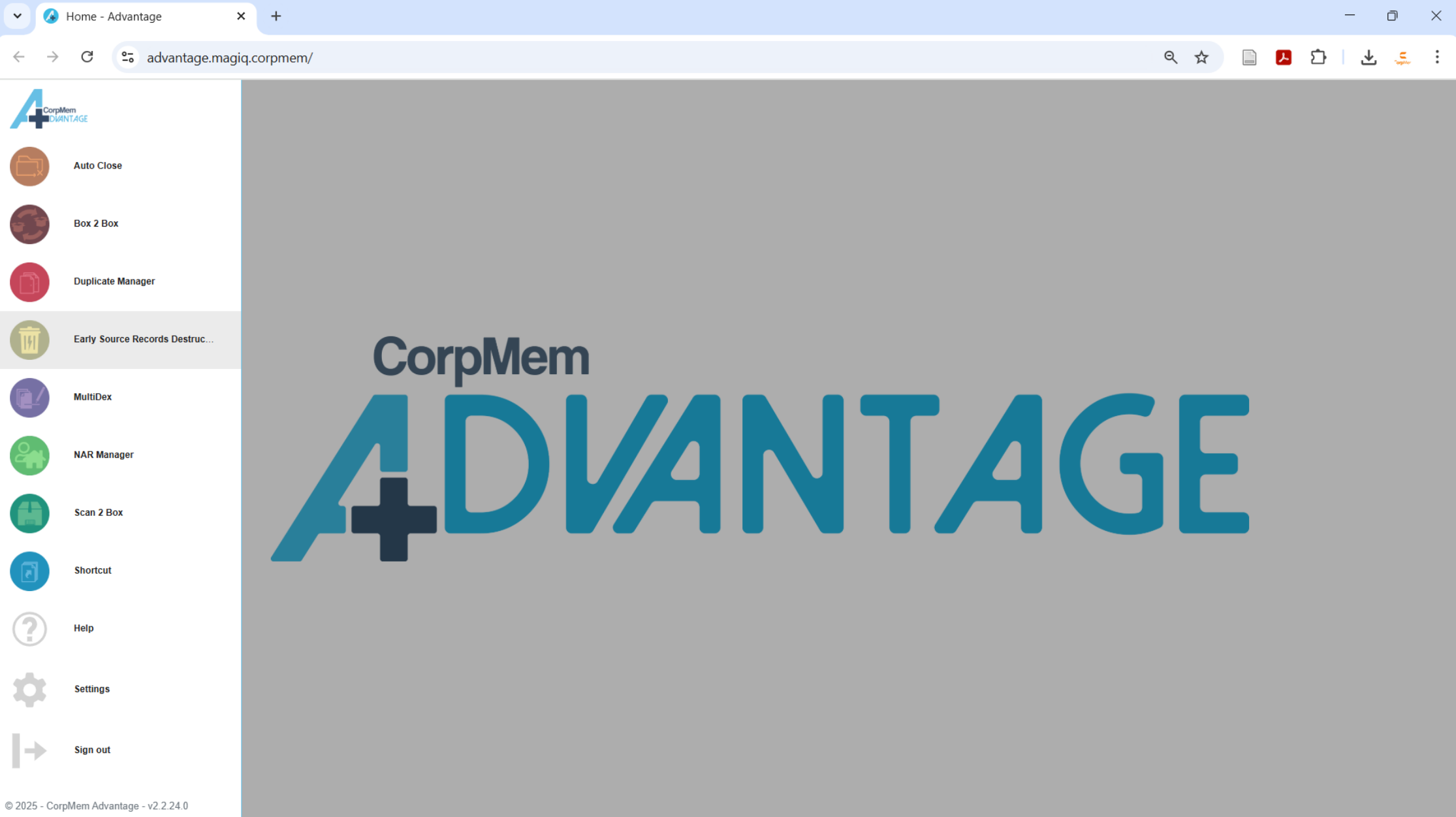
Load the utility by selecting Early Source Record Destruction from the CorpMem Advantage menu.
Disposal
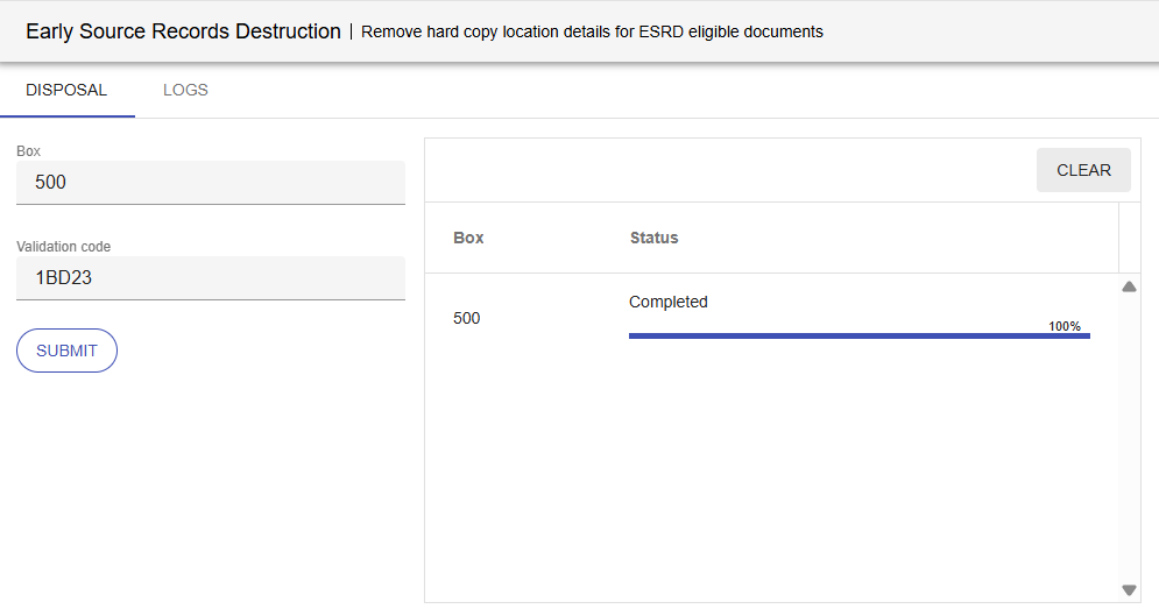
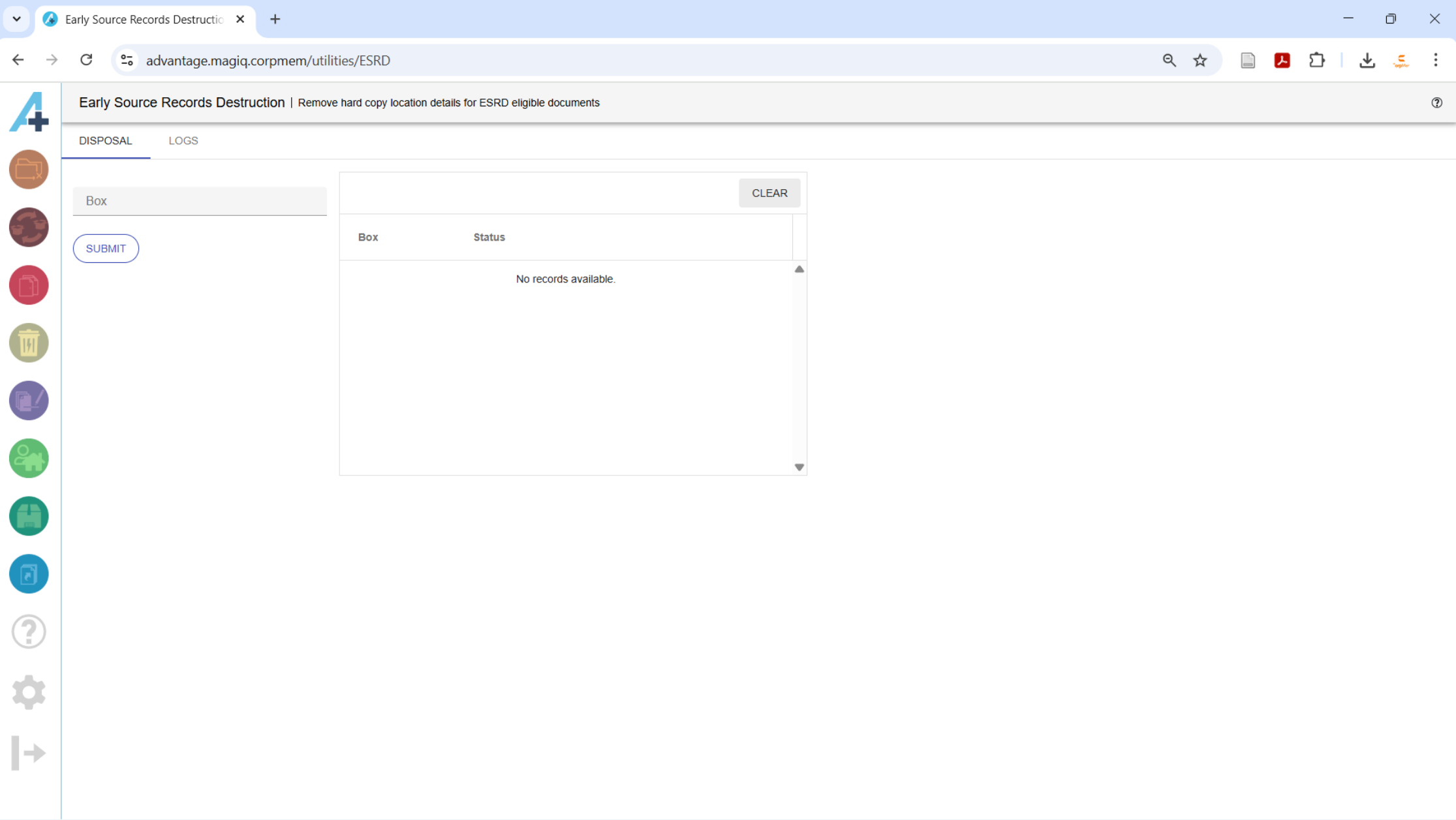
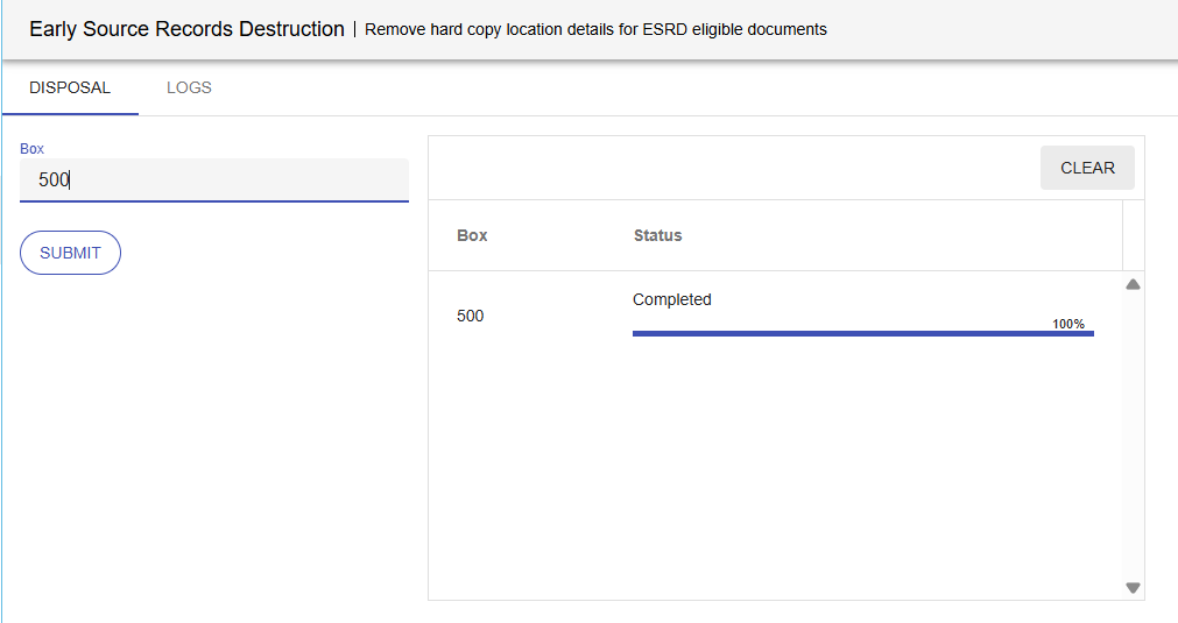
Ensure the DISPOSAL tab has focus. To remove the hard copy details for all the documents stored in a box, simply enter the box number into the Box field and click the  button. The progress is displayed in the Status column.
Logs
The LOGS tab list a log for previously run ESRD processes. Logs that have a red bin  button can be deleted. Logs that are under 6 month old cannot be deleted.
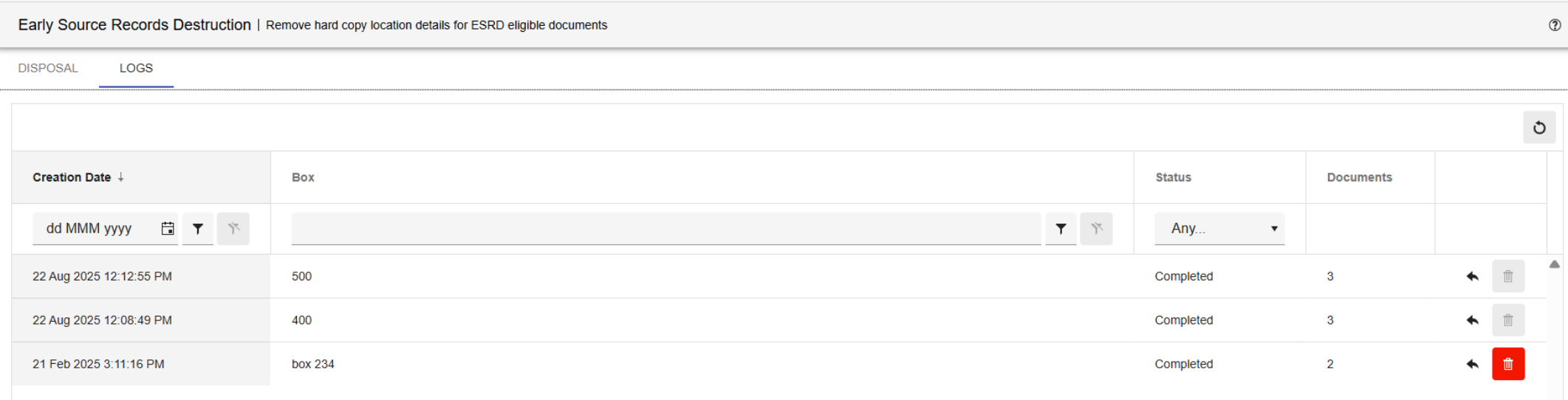
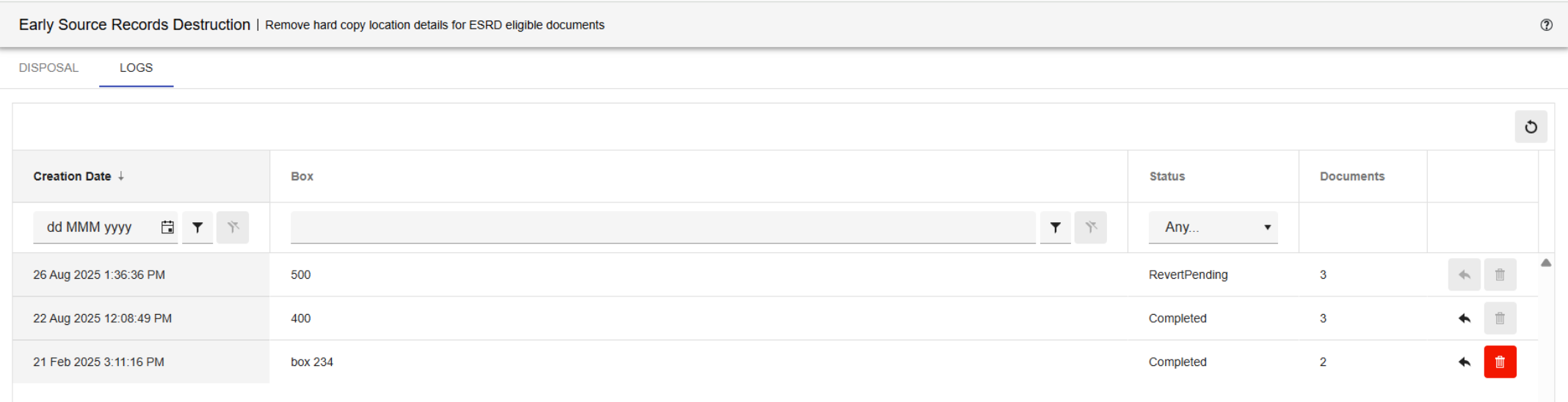
Clicking the  button will revert the barcode and box number of each document processed in that run. The Status will change to 'RevertPending'.
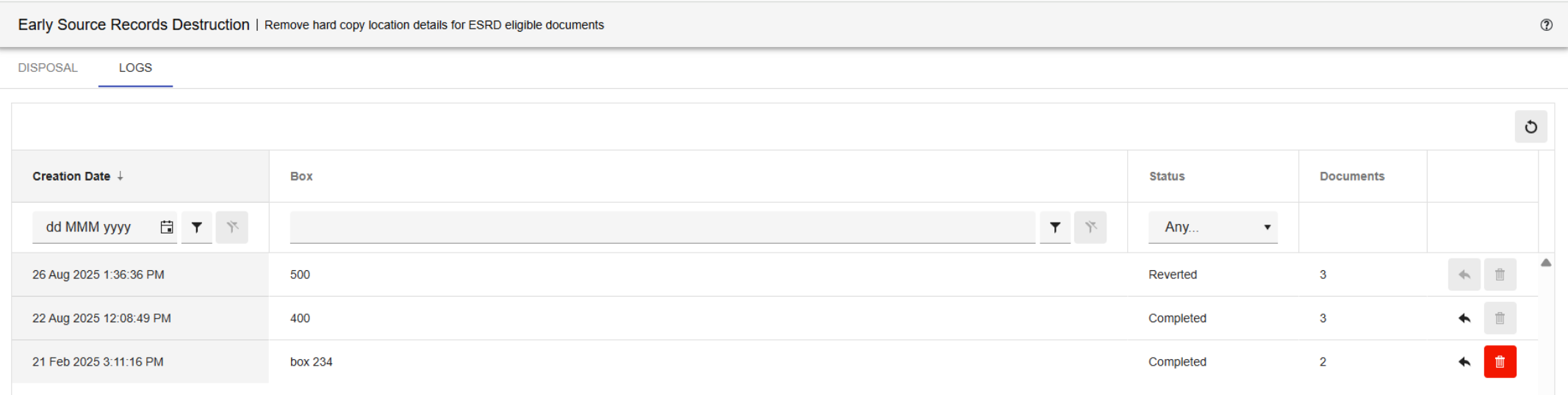
After completion the Status changes to 'Reverted'.
No Database Connection
If Advantage can't be connected to the MAGIQ Document's database, a validation code must be entered so that Advantage can validate that the user has access to all the items requiring updates. If the validation fails, Advantage will stop the process.

The validation code is obtained by running the CBS-CA-ValidationCode report from the MAGIQ Documents Reports Module.
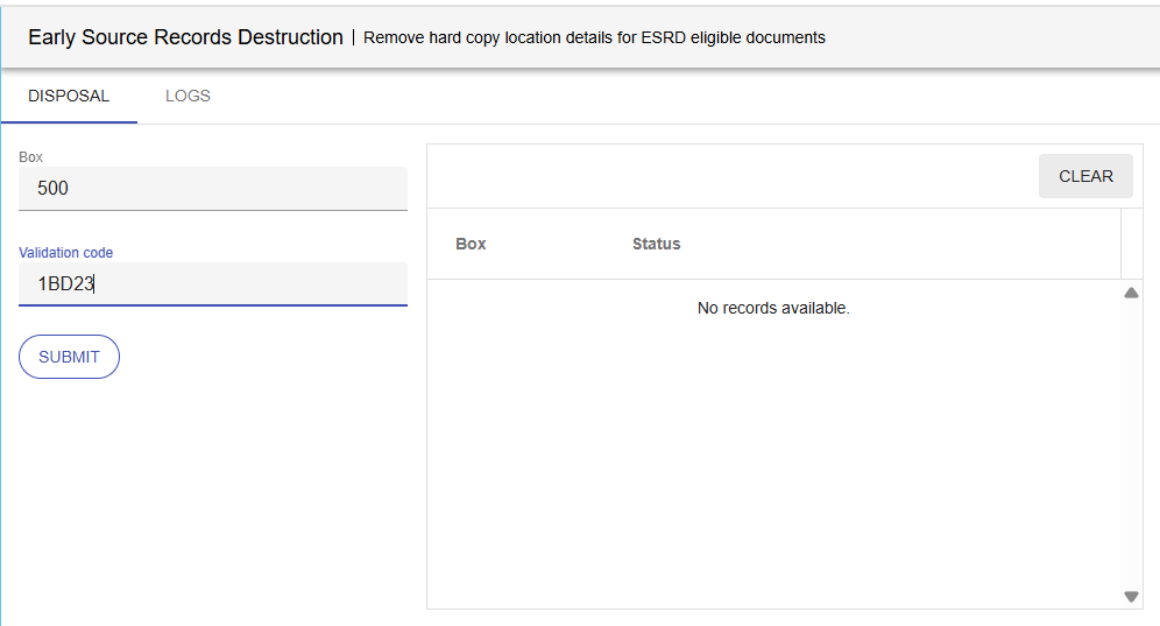
Clicking the SUBMIT button will determine if the code could be validated and then removes the hard copy details for all the documents stored in the box,.