Settings
In Settings, the connection string to the MAGIQ Documents database is configured, the CorpMem Advantage licence details can be viewed and application logs can be downloaded.
Starting Settings
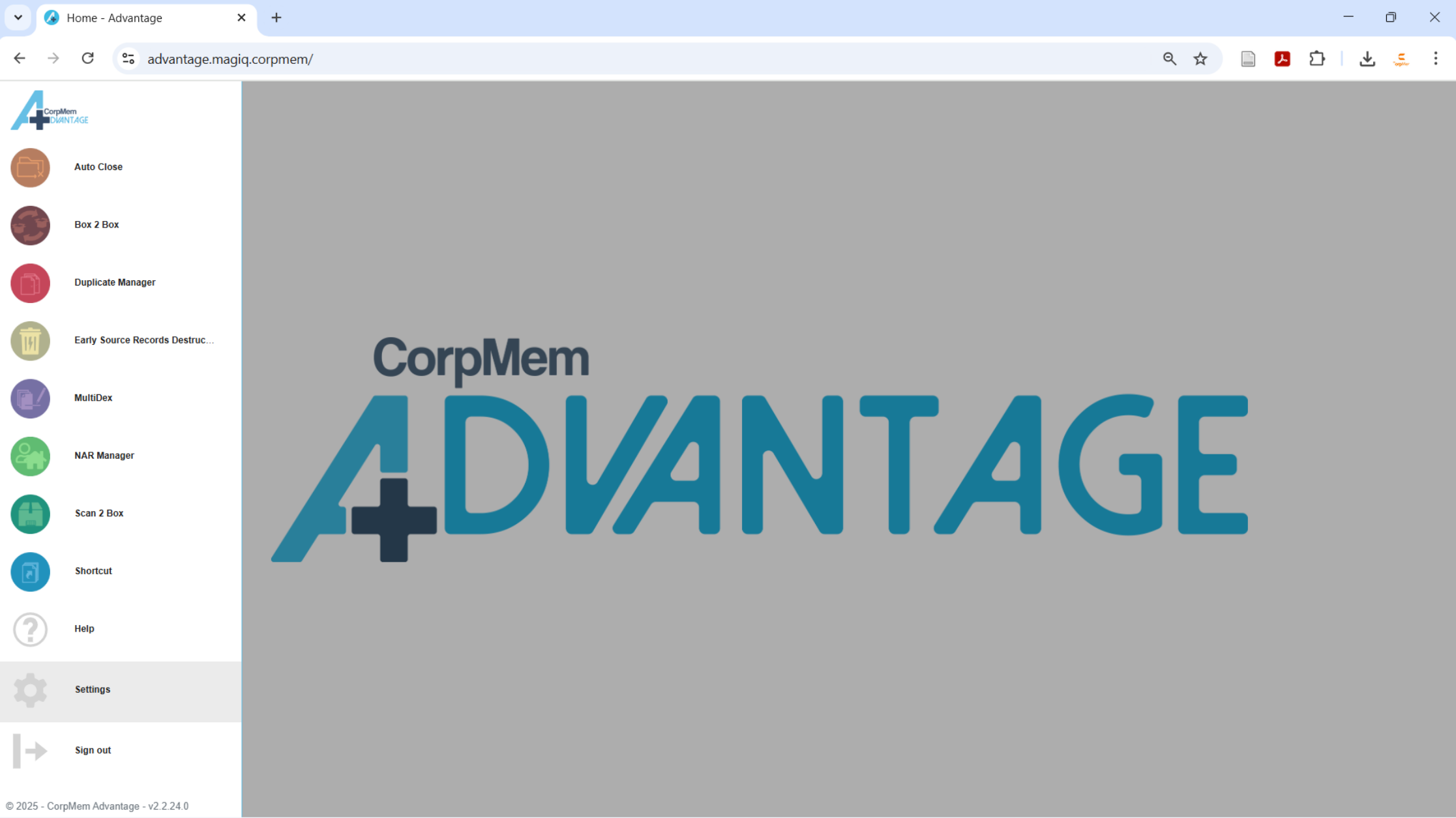
Load Settings by selecting Settings from the CorpMem Advantage menu.
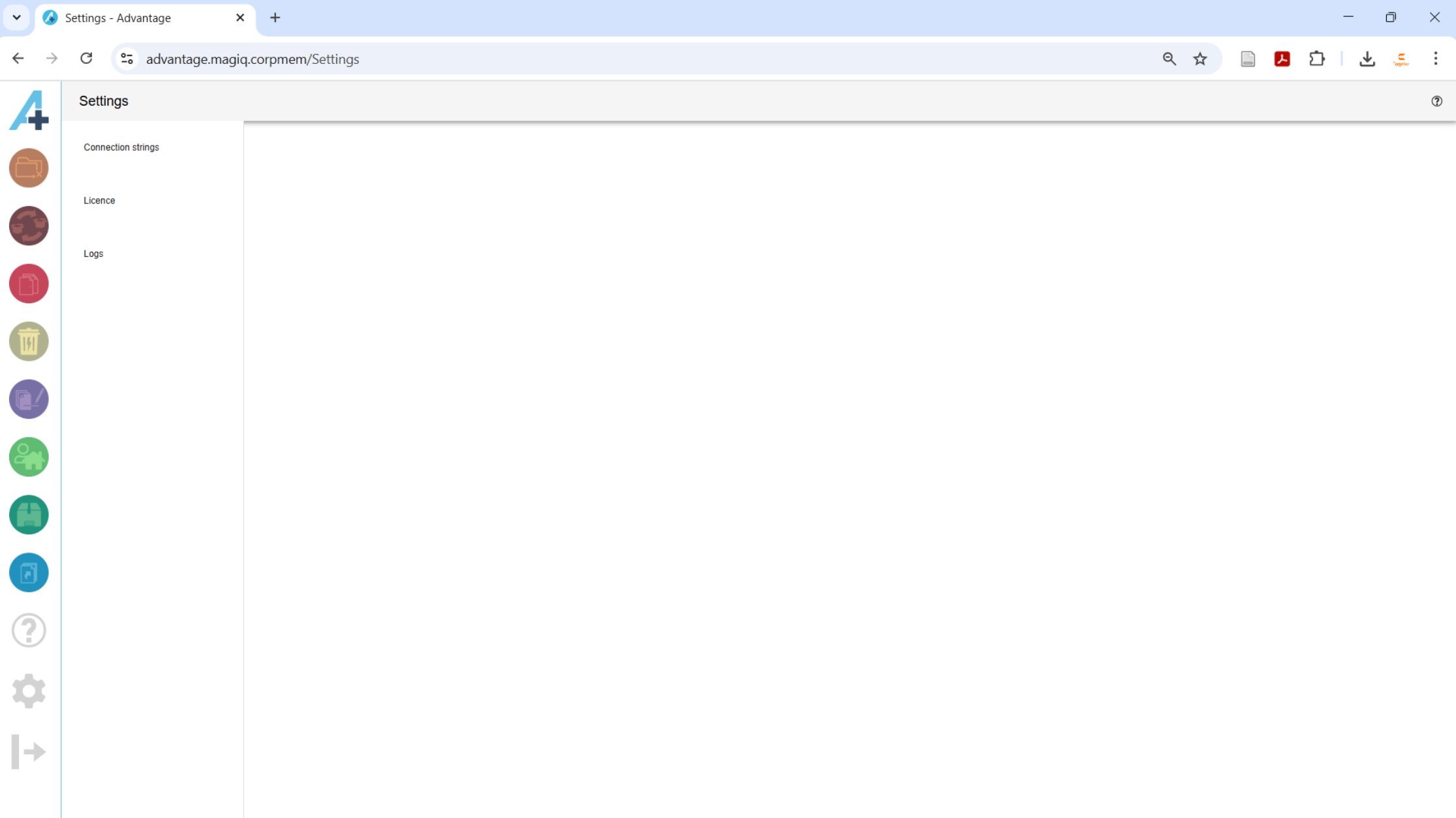
Connection strings
If the MAGIQ Documents database can be connected to, then a connection string can be entered so that Advantage can access the database to validate there are not more items requiring updating by a utility than a user's security access allows the user to access.
For example, if a user is moving all the documents from one box to another box but the user doesn't have access to one or more of the documents in the box, the restricted documents will not have their Box Number updated. If the database can be accessed then Advantage can compare the total number of documents in box to the number of documents in the box that the user can access. If the number differs, Advantage will stop the process.
A connection string does not need to be entered. If access to the Database is not available, MAGIQ Documents Reports Modules reports can be run to provide a validation code that Advantage uses to validate that the user has access to the same number of items requiring updates. Each Advantage utility that requires a validation code has the process documented in its documentation.
To configure the connection string, enter the connection string into the Existing Database connection string field and click the SUBMIT button. Contact IT support for the connection string if it is unknown.

If the connection was successful, the  will change to a
  . Clicking the CLEAR button, clears the connection string and enables the Connection string field so a new connection string can be entered if one is required,

Licence
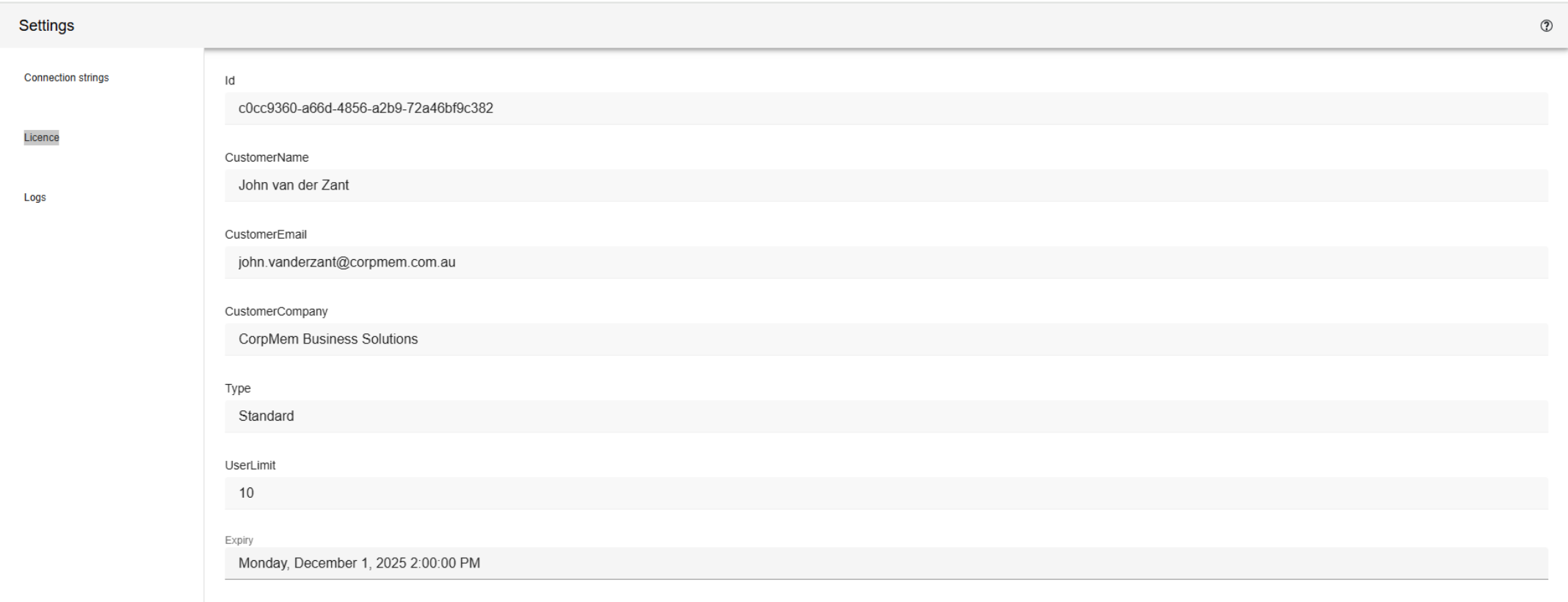
Licence displays the details of the licence key.
Logs
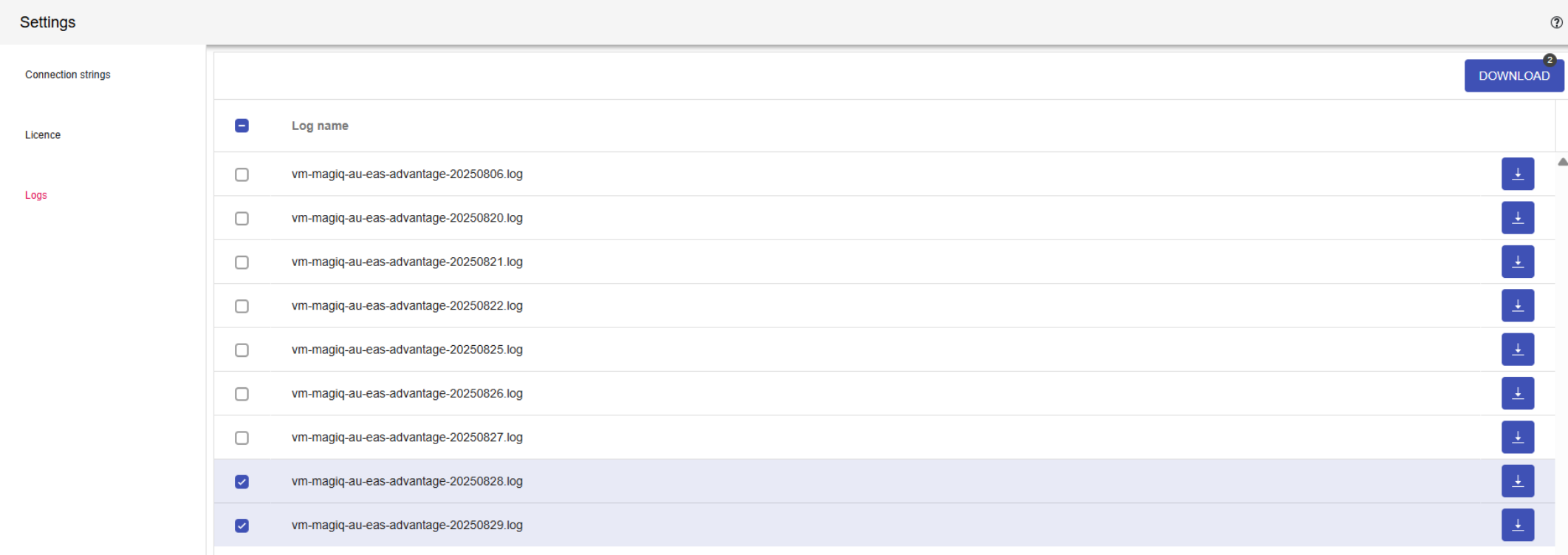
Each day a new log is created to records the events happening within Advantage. Clicking the DOWNLOAD button will download a copy of every checked log.