MultiDex
Indexing is the process of adding metadata to records so they can be more easily found and retrieved. In MAGIQ Documents, descriptive metadata can be added by providing information in the records description or by adding keywords in the document's properties. MultiDex is a tool that helps users index documents with descriptive metadata. The terms with which the documents are indexed, are recorded in the document’s properties in the Keyword section in MAGIQ Documents.
Starting MultiDex
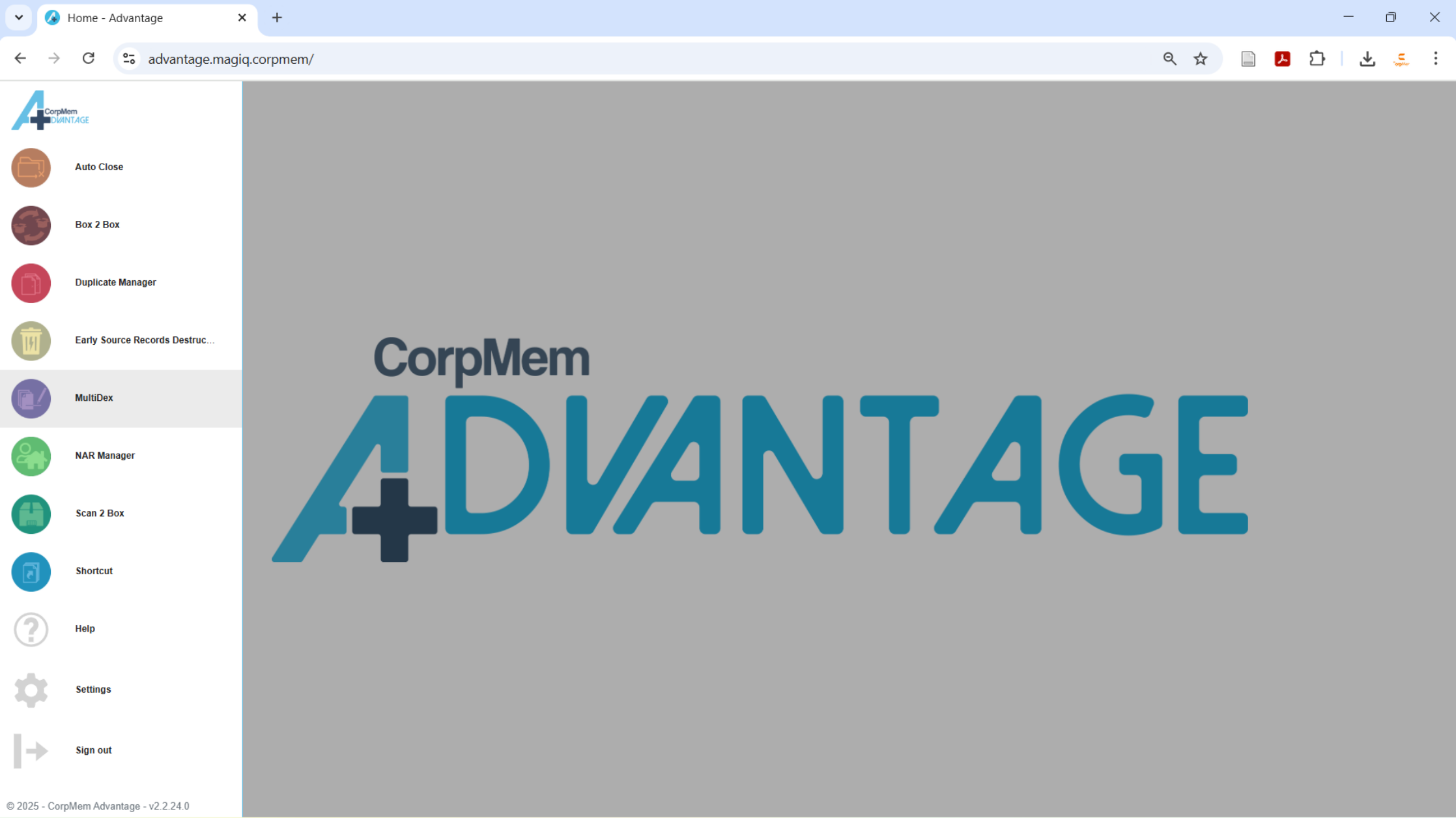
Load the utility by selecting MultiDex from the CorpMem Advantage menu.
Queueing Documents to Index
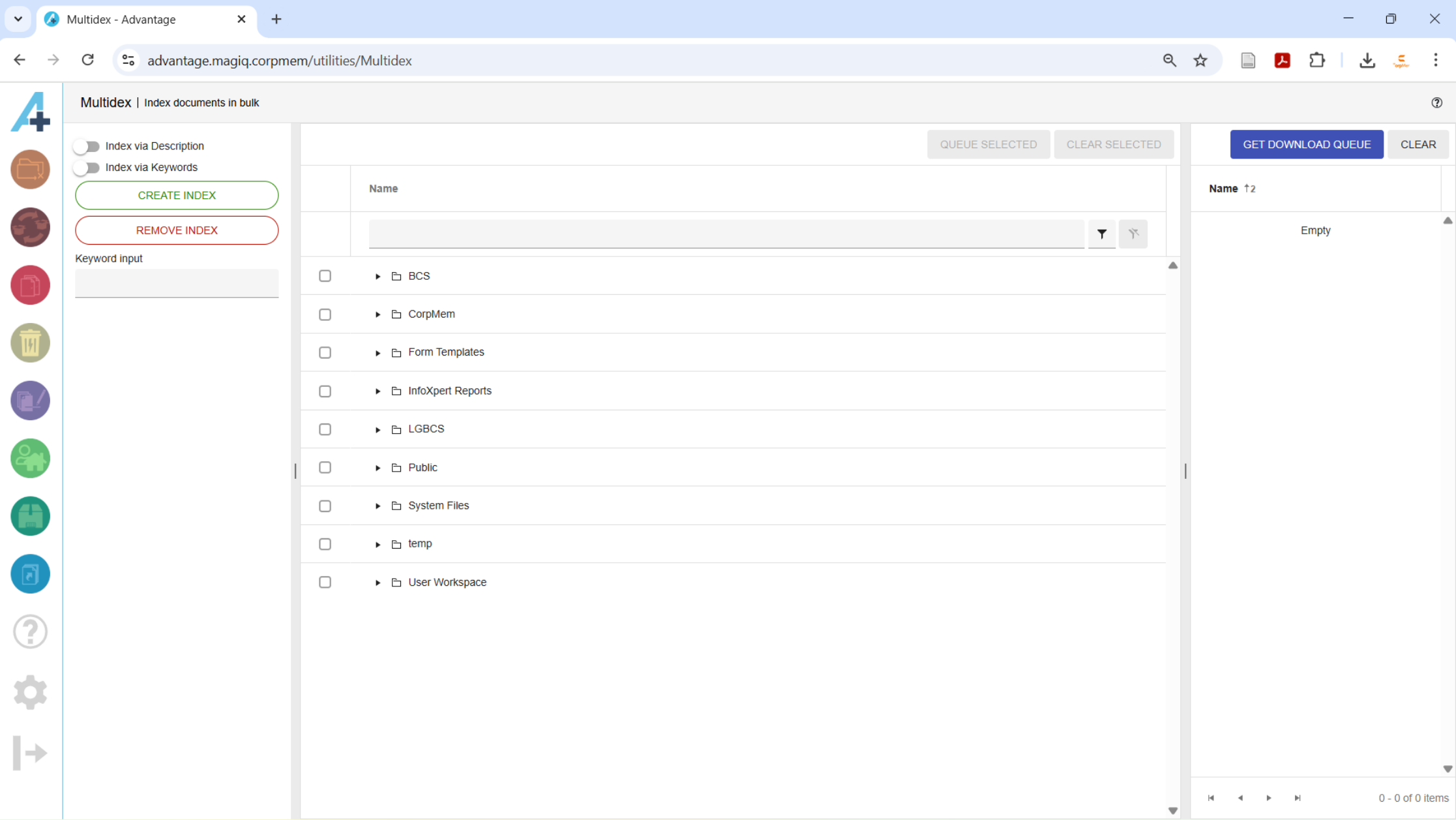
The tree structure in the middle panel can be used to navigate to documents that require descriptive metadata added.
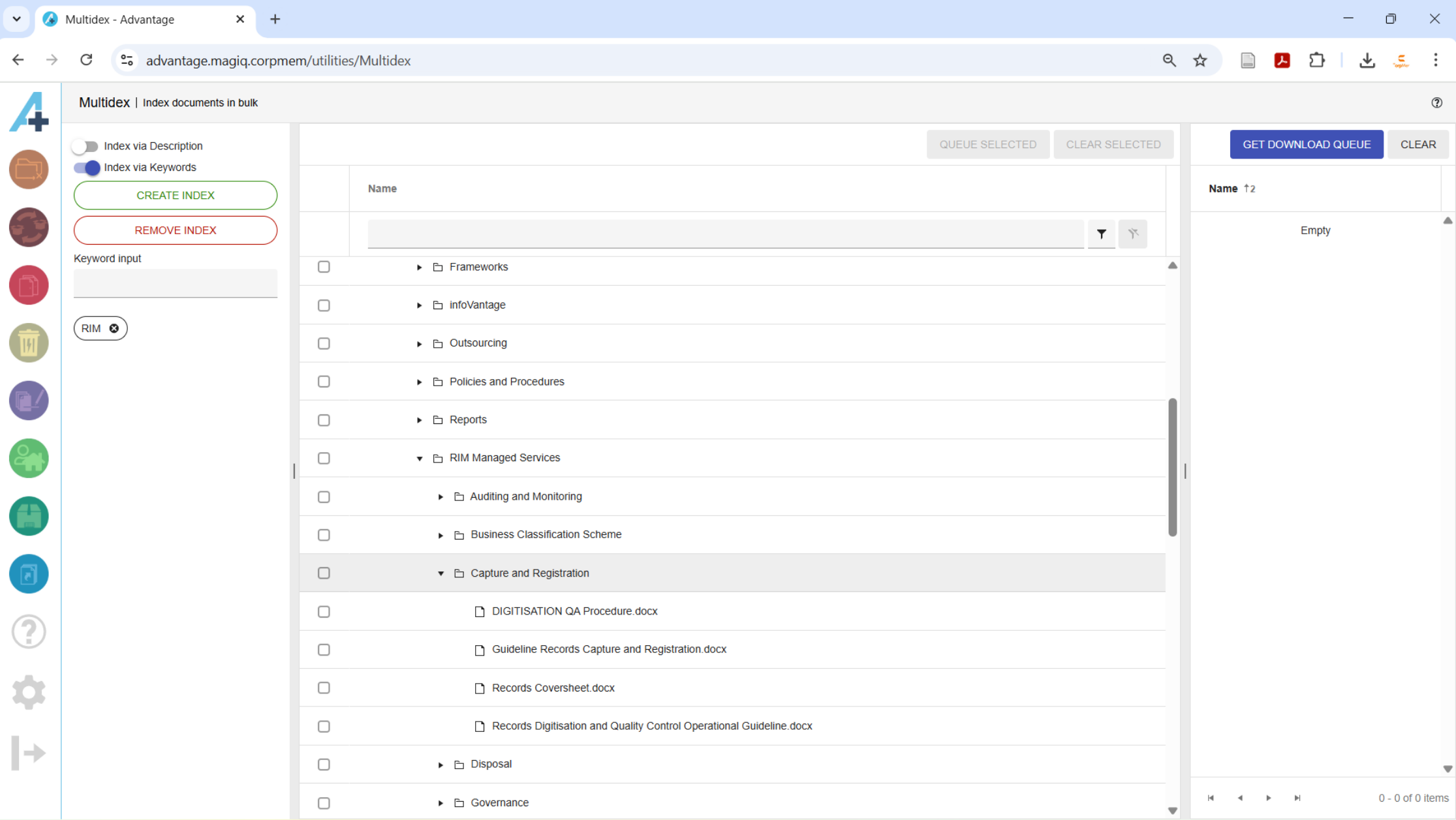
Check the documents to be indexed and click the QUEUE SELECTED button to list the documents in the Document queue panel on the right. If required, navigate to other documents in the tree and add them to the queue. Additionally, any documents in the MAGIQ Documents dowmload queue can be added by clicking on the GET DONLOAD QUEUE button. To remove a document from the queue, click the  button next to the document. Clicking the CLEAR button removes all documents from the queue.
Indexing
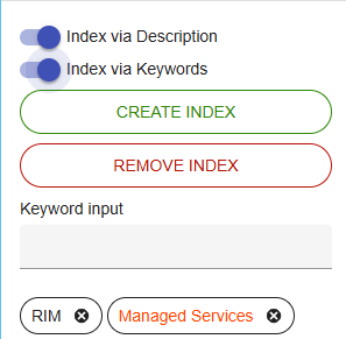
Keywords are added by entering text into the Keyword input field and hitting the Enter key on the keyboard. Keywords entered as phrases will appear in red and will not be added as a keyword in the document's properties because MAGIQ Documents keywords cannot contain spaces.
Keywords can be removed by clicking the  next to a keyword.

To index the documents, click the CREATE INDEX button. Clicking the REMOVE INDEX button will remove any occurrence of the keywords from the document’s description or keywords depending on which toggles are in the on position.
Toggling the Index via Description to the on position directs MultiDex to add or remove all keywords to or from the document’s description. Toggling the Index via Keywords to the on position directs MultiDex to add or remove any keywords that don't contain spaces to or from the document’s keywords.