Box 2 Box
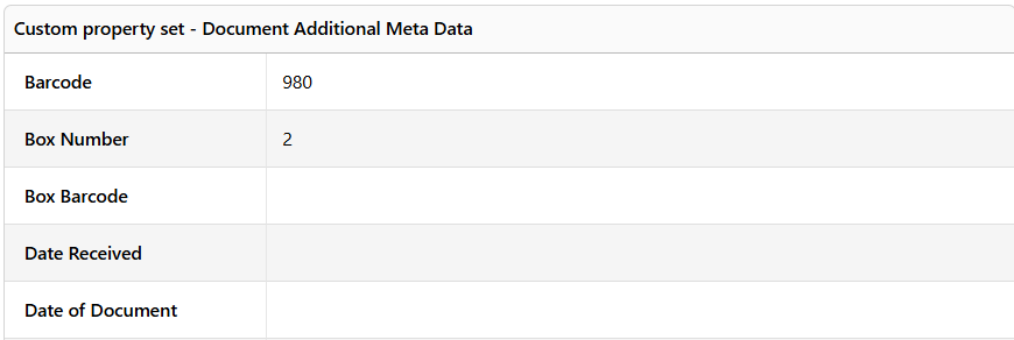
Box 2 Box changes the recorded location of documents when they are moved from one box to another box. This is done by updating the box number field in the MAGIQ Documents Additional Document Meta Data Custom Property Set (CPS). This can be used for a wide variety of reasons. One reason is to move the contents of one or more partially full boxes into one box to make space.
Starting Box 2 Box
Load the utility by selecting Box 2 Box from the CorpMem Advantage menu.

Consolidating Boxes
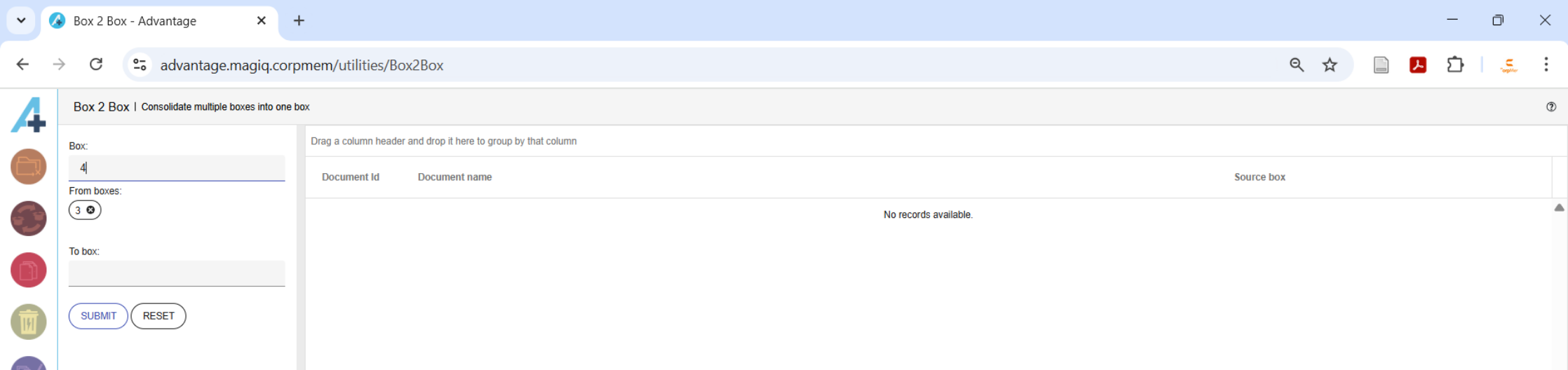
Enter the identifier of each box to be consolidated into a single box into the "From boxes" field one at a time followed by the pressing the Enter key on the keyboard.
Enter into the "To box" field the identifier of the box that the boxes entered into the "From boxes" field are to be consolidated into.
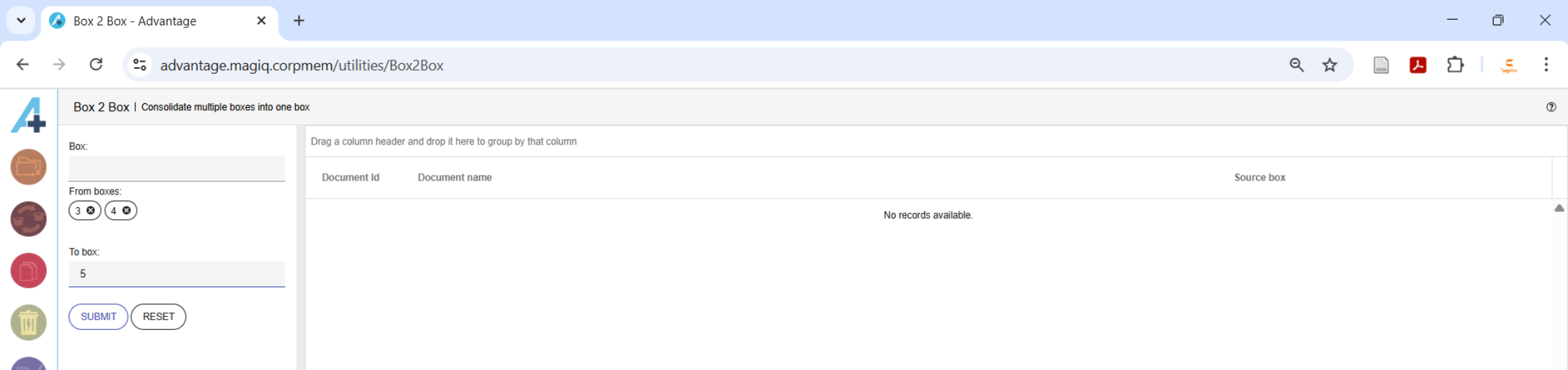
Clicking the  button clears the "From boxes" field and the "To box" field.
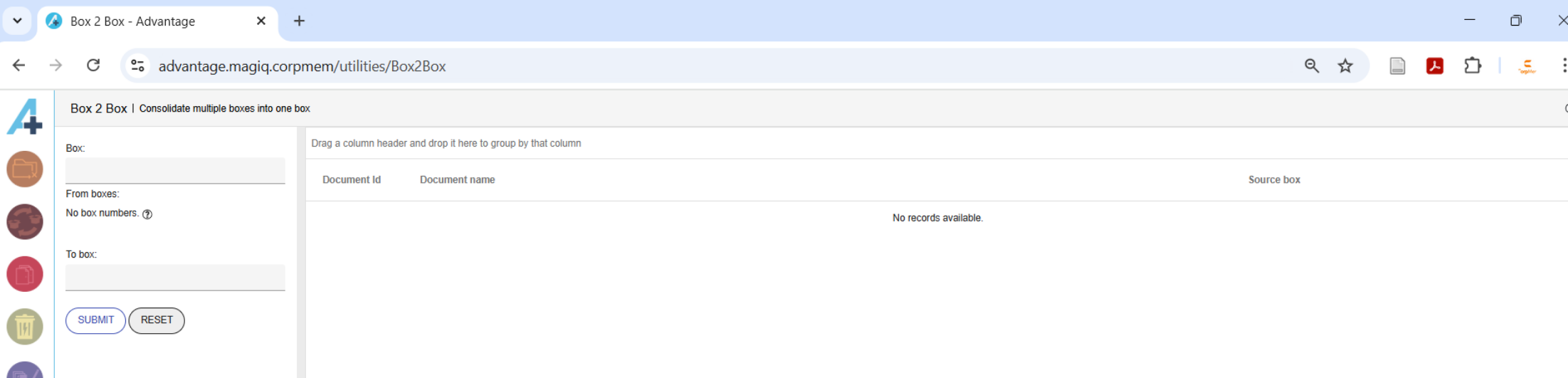
Clicking the  button starts the process of moving documents to the consolidated box..
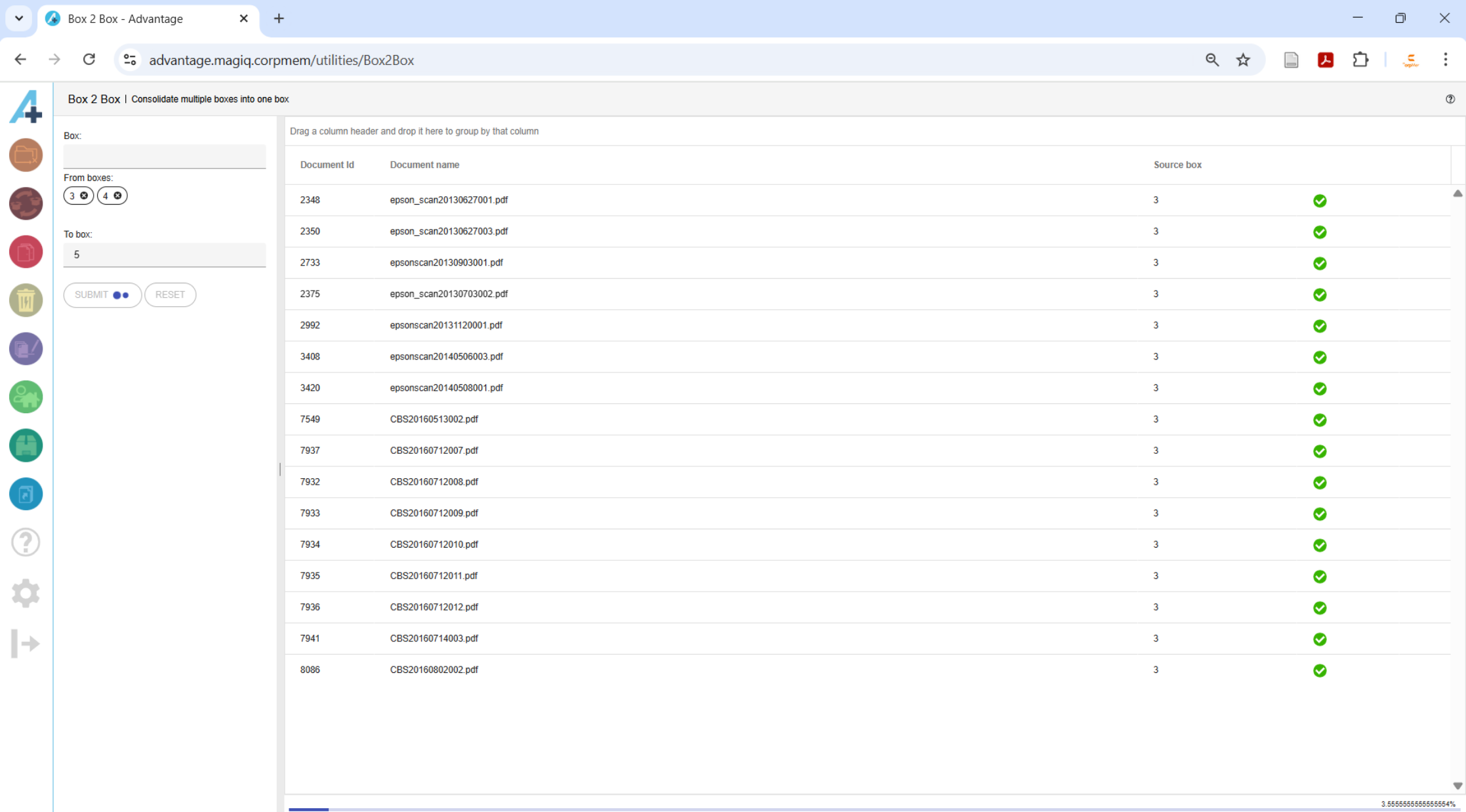
The documents are displayed in the right panel as they are updated. The progress is displayed as a percentage in the bottom right hand corner.
No Database Connection
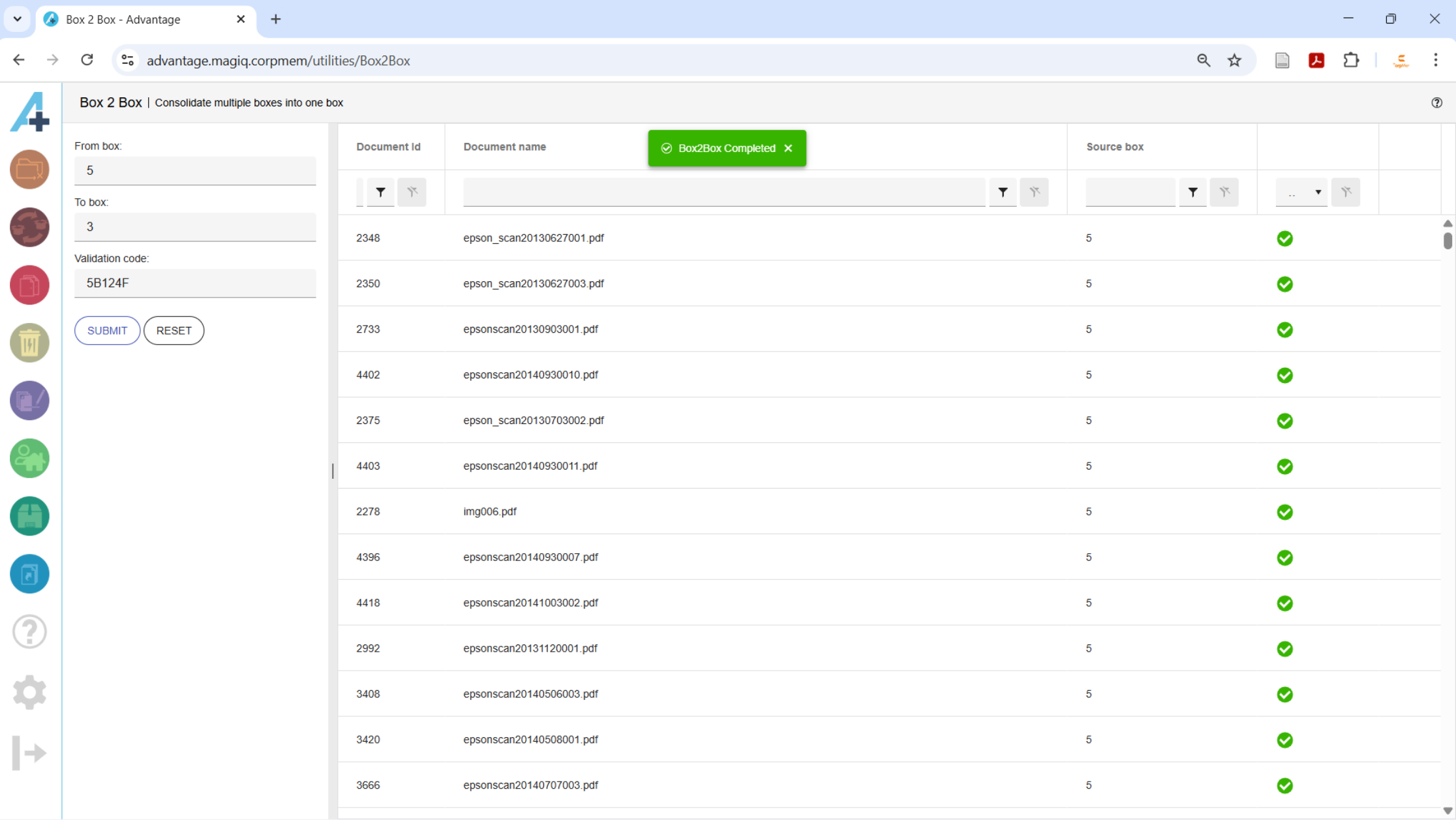
If Advantage can't be connected to the MAGIQ Document's database, only one box can be moved at a time and a validation code must be entered so that Advantage can validate that the user has access to all the items requiring updates. If the validation fails, Advantage will stop the process.

The validation code is obtained by running the CBS-CA-ValidationCode report from the MAGIQ Documents Reports Module.
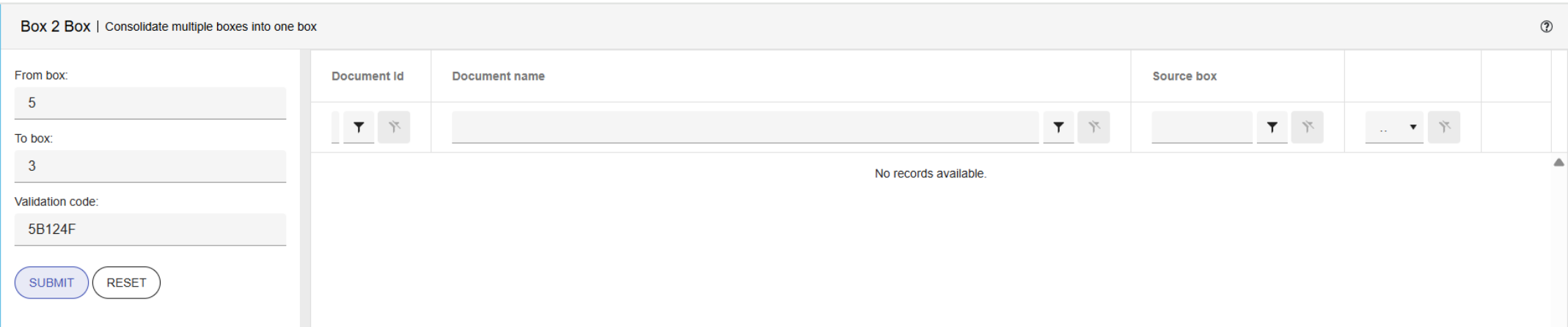
Clicking the SUBMIT button will determine if the code could be validated and then moves all the documents in the From box to the To Box.